
Finding the right office chair is the single most effective change you can make for everyday comfort at work. Sitting in an unsupportive or poorly fitted chair for eight hours a day leads directly to lower back stiffness, neck strain, and long-term joint pain. By selecting the right seat matched to your body shape, supporting neutral spine posture, and eliminating daily physical strain, you can transform your workday comfort and long-term health.
Why Office Chair Ergonomics Matters
Your office chair forms the foundation of your entire workstation setup. Without proper lumbar support, your lower spine naturally tends to flatten out, placing excessive, uneven pressure on your intervertebral discs and back muscles.
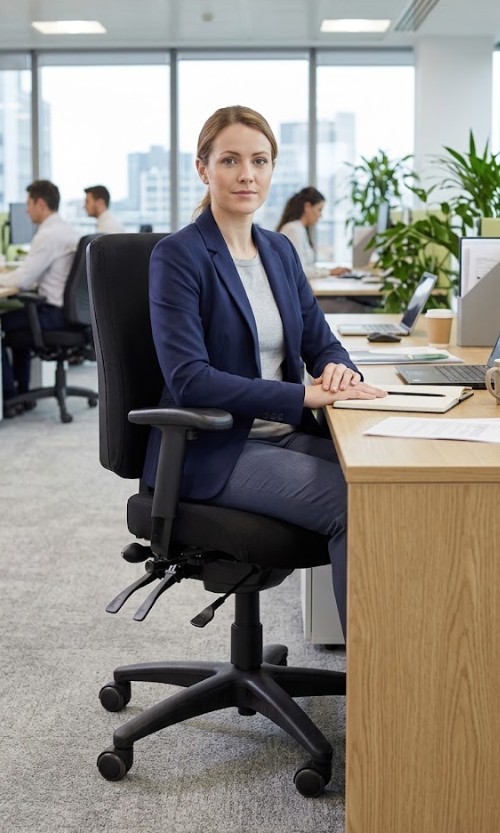
Proper ergonomic adjustments allow your upper body weight to be distributed evenly across the seat and backrest. This supports the spine's natural curve, reduces disc pressure, and enables dynamic movement throughout your working day.
The Cost of Poor Seating Support
Using an unsuited or worn-out chair is one of the primary drivers of workplace injury, frequently causing or aggravating chronic back pain and repetitive strain injury (RSI).
Investing in the correct chair eliminates long-term physical fatigue, protects your spinal structure, and prevents costly workplace posture-related injuries.
Key Office Chair Features to Look For Before You Buy
Not every chair labeled "ergonomic" provides proper physical support. When choosing an office chair, ensure the model you select includes these critical adjustable mechanisms:
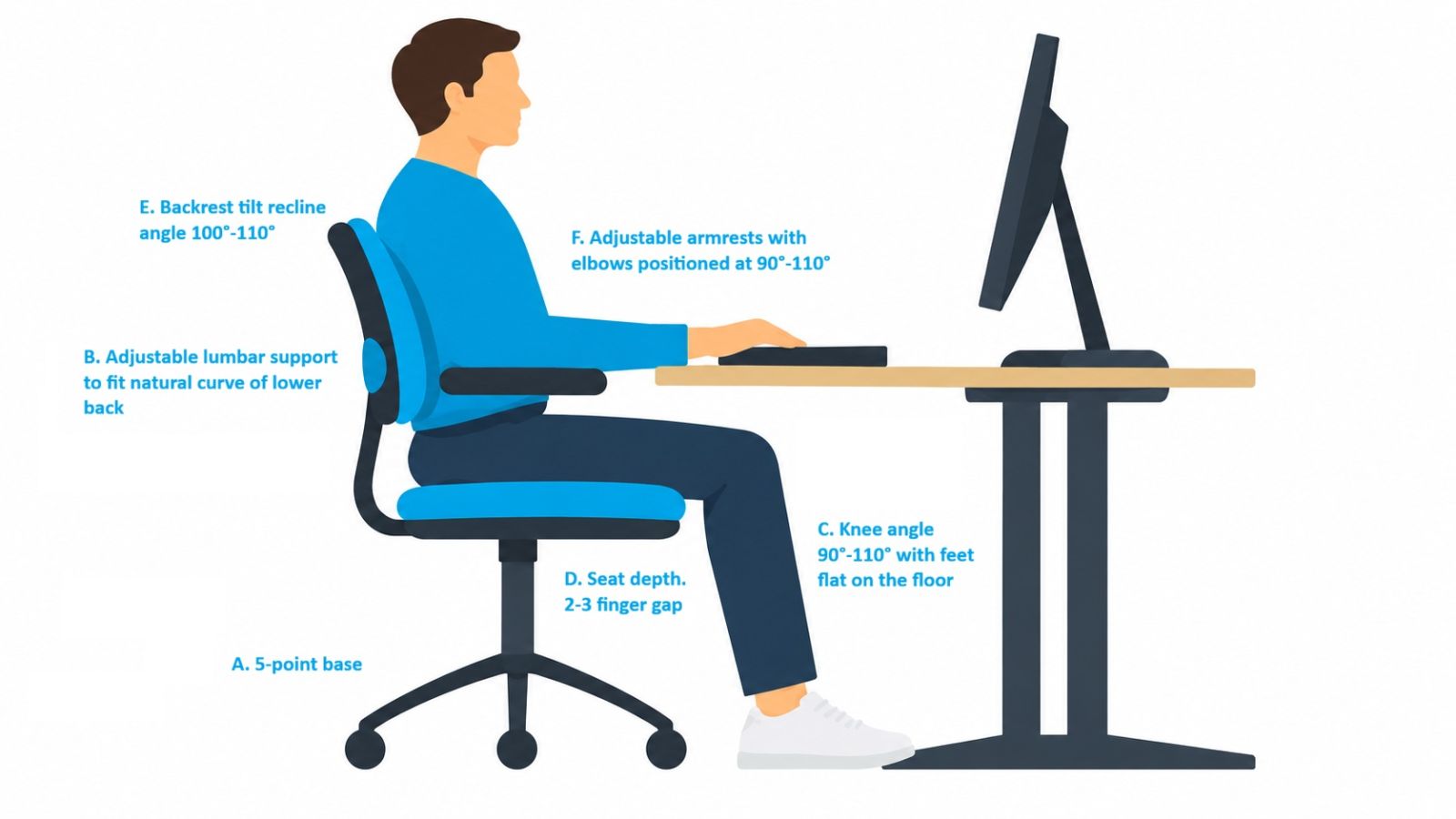
- Five-Point (5-Star) Base: Ensures essential workstation stability and prevents tipping during recline and movement, as recommended by WHS standards.
- Adjustable Lumbar Support: Look for mechanisms with both height and depth adjustments. Height adjustment (often a sliding or ratchet mechanism) lets you position the pad to sit right in the curve of your lower back, while depth adjustment (sometimes via an inflatable pump) controls how firmly it presses in. Together, these let the support contour to your body, helping you maintain a neutral spine and reduce lower back fatigue.
- Seat Height Adjustment: Look for a gas-lift cylinder mechanism that allows your feet to rest flat on the floor (or on a footrest) with your knees bent at roughly 90° to 110°, keeping your knees level with or slightly below your hips.
- Seat Depth (Seat Slider): Look for forward and backward seat pan adjustment. Maintaining a 2–3 finger gap between the front edge of the seat cushion and the back of your knees prevents pressure on your hamstrings and supports healthy leg circulation.
- Backrest Tilt & Lock: Dynamic recline with multi-position locking allows recline angles between 100°–110°. Read our guide on understanding 2-lever vs 3-lever chair mechanisms to see how tilt controls function. Classic spinal load research shows that reclining offloads upper-body weight onto the backrest, reducing lumbar disc pressure by up to 70% compared to sitting upright at a rigid 90° [3].
- Adjustable Armrests: Look for 2D, 3D, or 4D armrests—referring to the number of adjustment axes (height, width, depth, and pivot angle). They support the weight of your arms so your shoulders can remain completely relaxed with elbows open at a comfortable 90°–110° angle.
Step-by-Step: How to Test and Fit Your Chair
Follow these simple steps when setting up or testing an ergonomic task chair:
- Set the seat height: Adjust the gas lift until your feet rest flat on the floor with your thighs parallel to the ground. If your feet do not touch the floor comfortably, use a footrest so your knees stay level with or slightly below your hips.
- Adjust seat pan depth: Slide the seat cushion so your lower back sits firmly against the backrest while maintaining a 2–3 finger space between the edge of the seat and the back of your knees.
- Position the lumbar support: Adjust both the height and depth of the lumbar mechanism until it fits flush into the small of your lower back.
- Set armrest height and orientation: Adjust the armrests so your forearms rest naturally with your elbows open at 90°–110° without pushing your shoulders upward.
- Set the tilt angle: Angle the backrest back slightly (100°–110°) to take the compression load off your lower spine.
Keep in mind that even the best chair can't replace regular movement. Taking short breaks to stretch or stand every 30 minutes resets your posture and keeps circulation flowing.
Types of Ergonomic Chairs
Matching the chair type to your daily work habits and physical needs is essential. If you are looking for specific product recommendations tested by our specialists, explore our picks for the best ergonomic office chairs in Australia.
Task Chairs
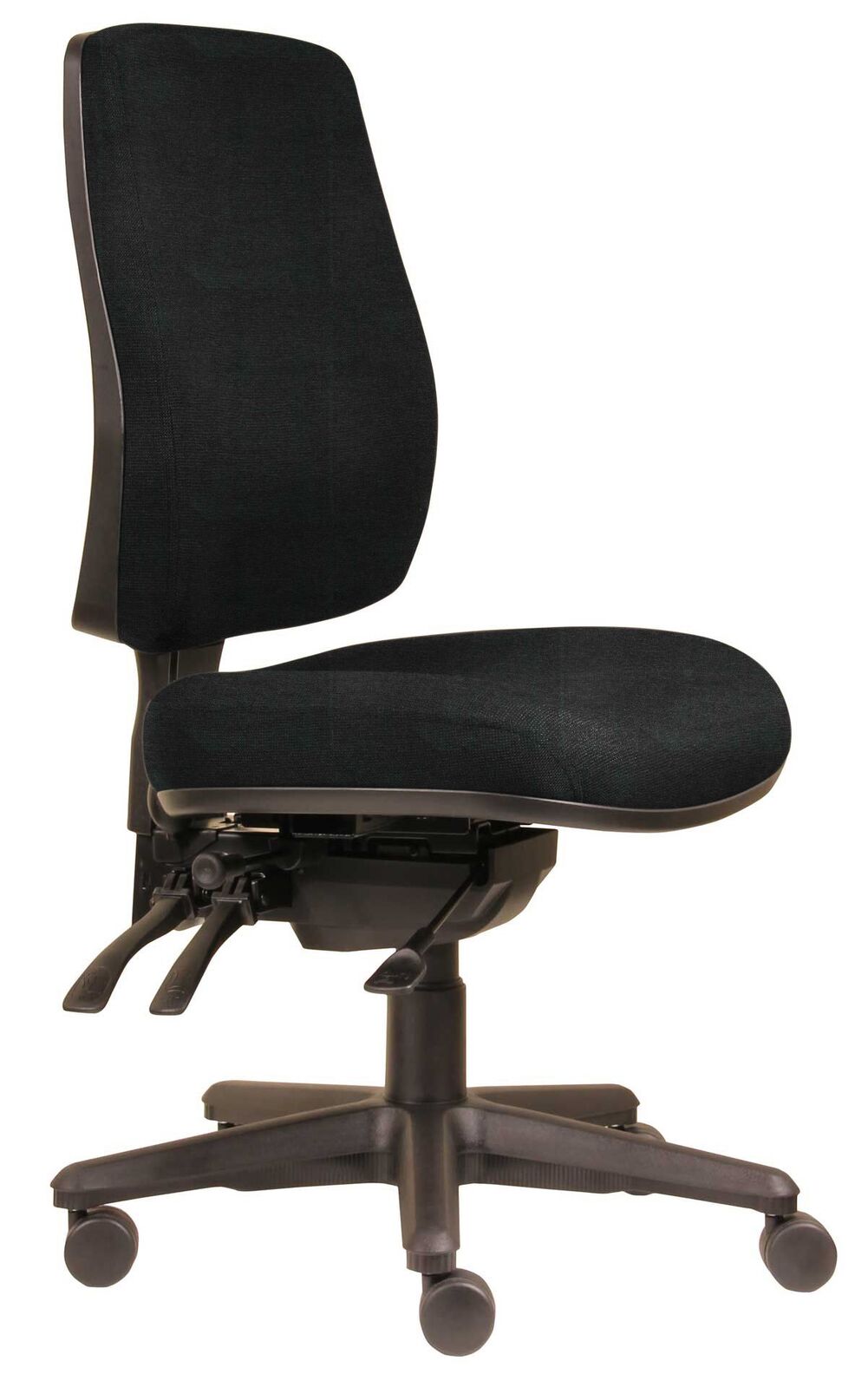
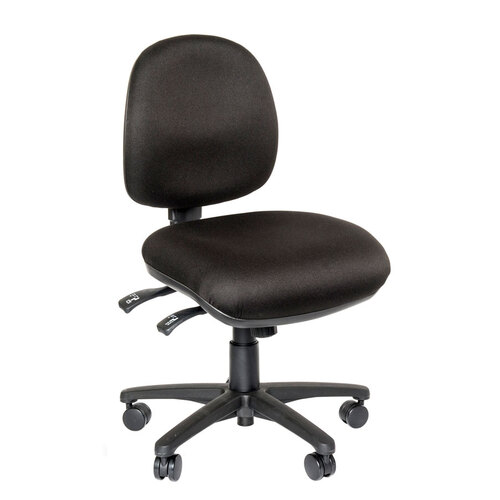
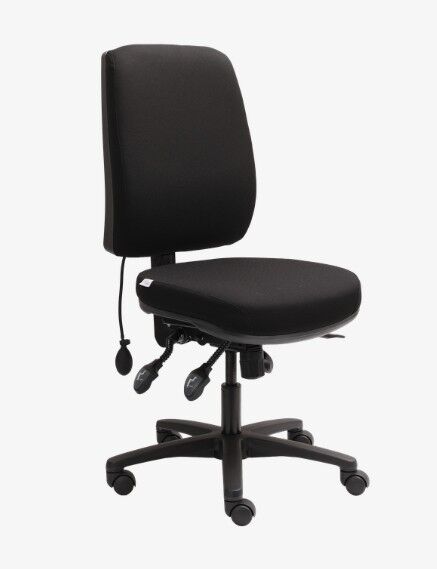
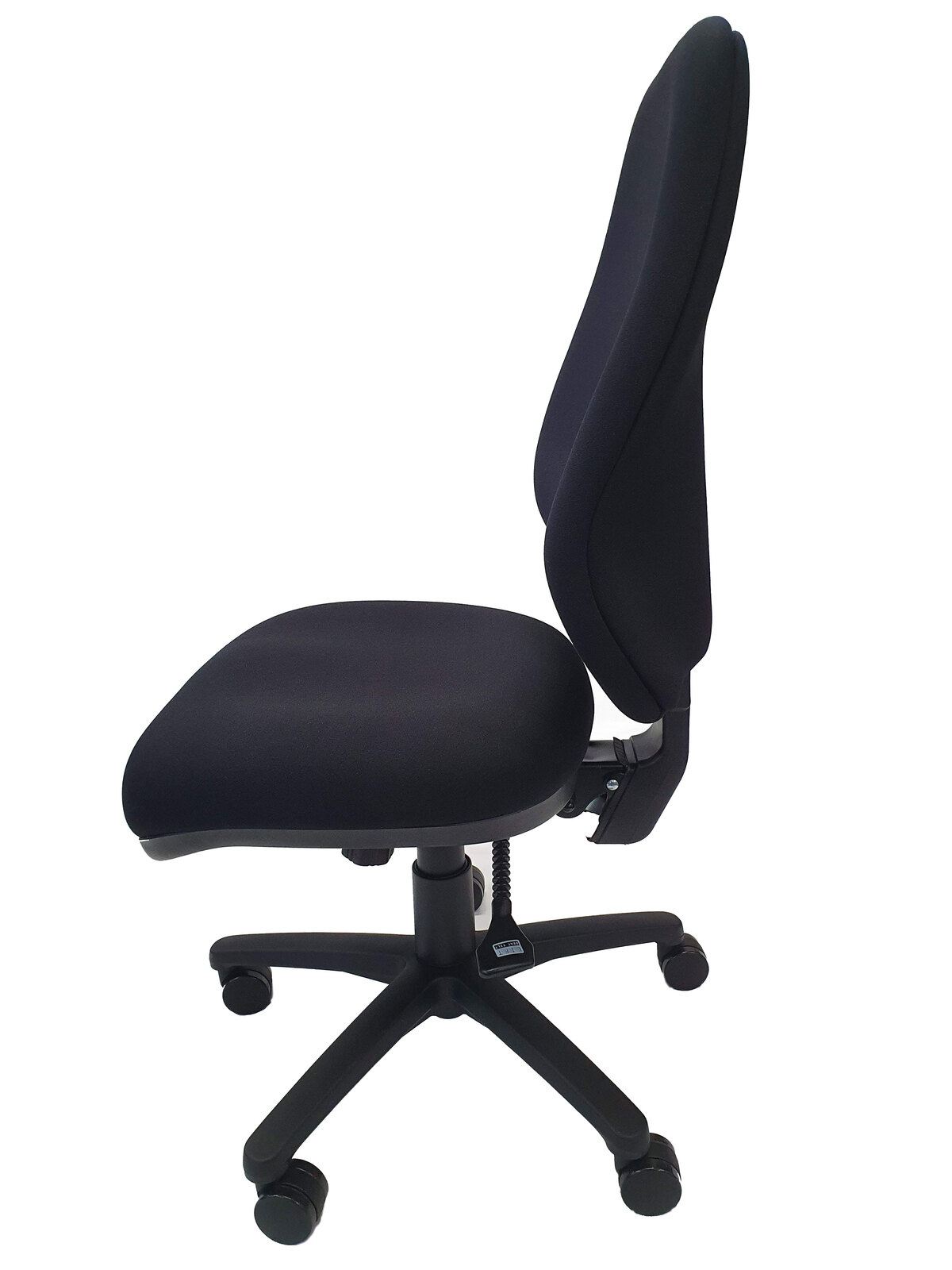
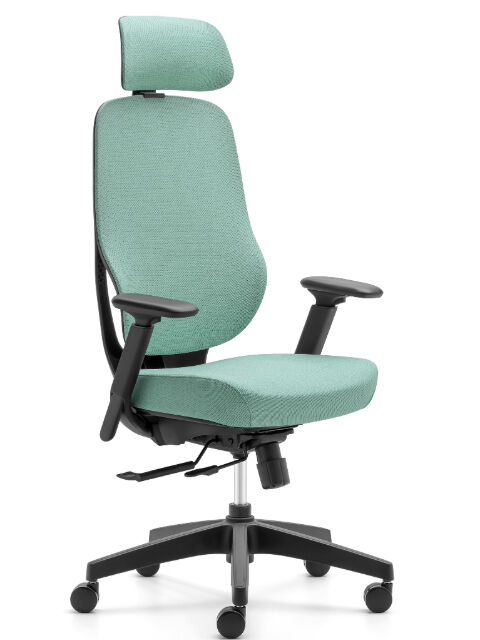
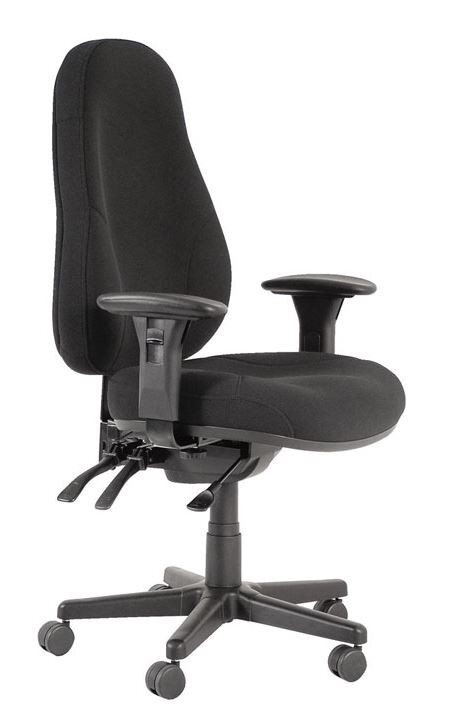
Ideal for full-day desk workers who require comprehensive support from the lower back up through the shoulders and neck. High-back chairs often include integrated or optional headrests. Browse our full range of ergonomic task chairs.
Typical price range: $300 - $800+
Mesh Chairs
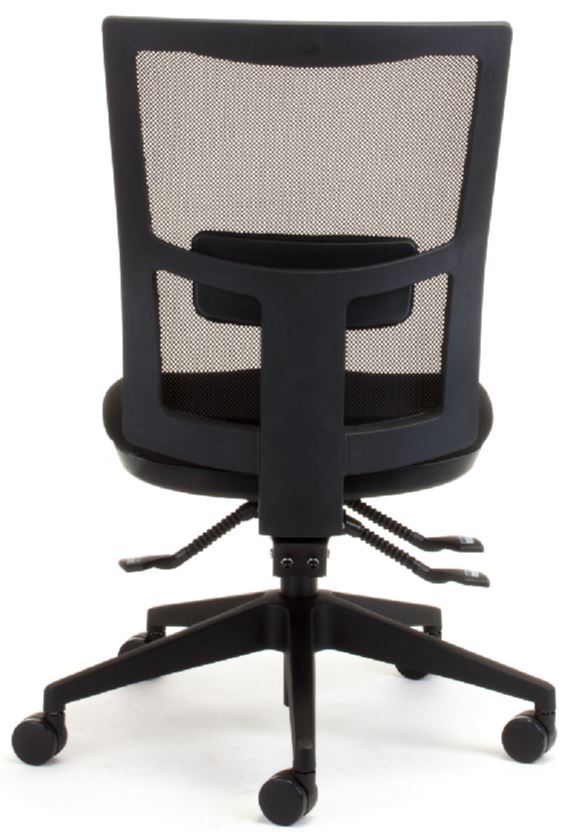
Mesh backrests promote continuous airflow to keep you cool throughout the day while flexing dynamically to conform to your back shape as you move. Browse our full range of ergonomic mesh chairs.
Typical price range: $300 - $1,000+
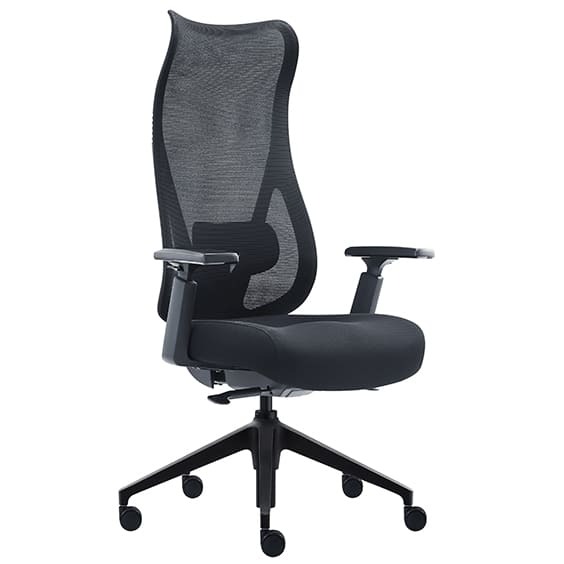
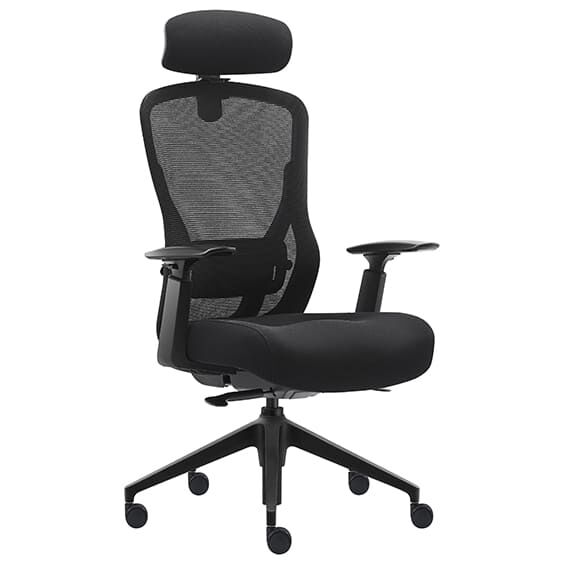
Heavy-Duty Seating
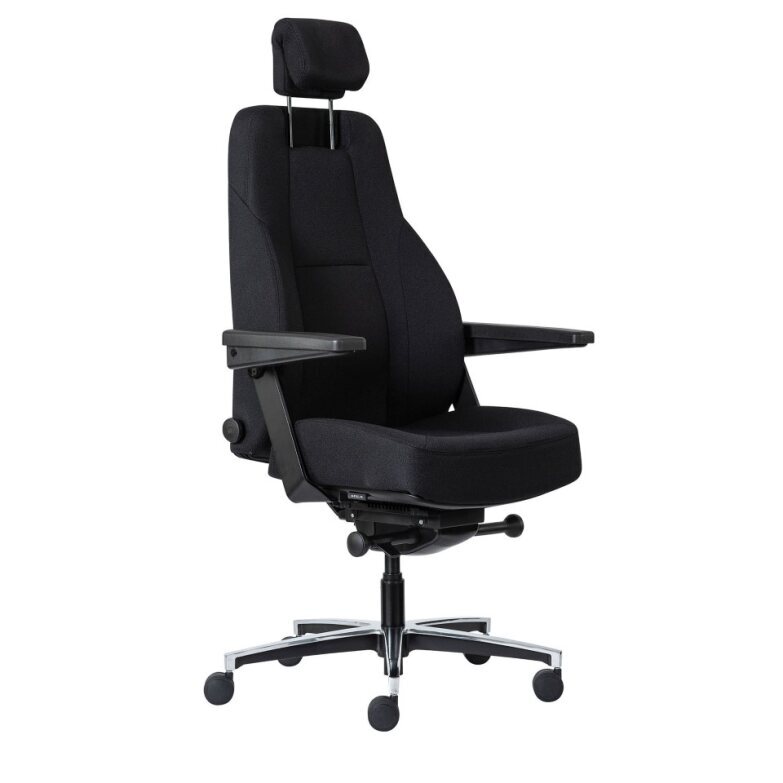
Engineered with reinforced bases, wider seat cushions, and higher weight capacities to provide stable, long-lasting comfort for intensive use. Browse our full range of heavy duty ergonomic chairs.
Typical price range: $500 - $1,500+
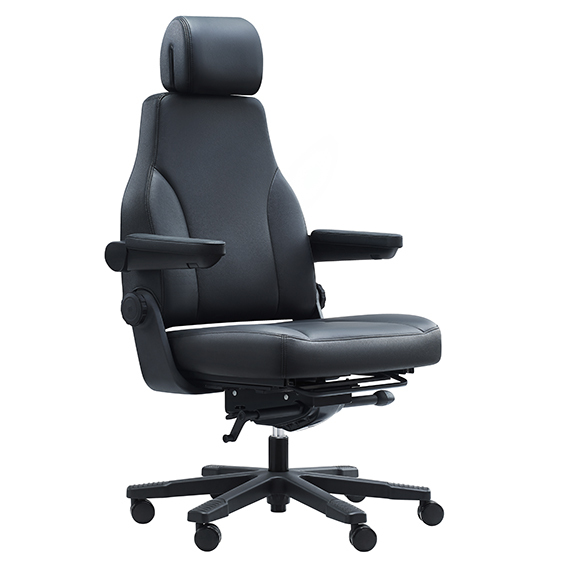
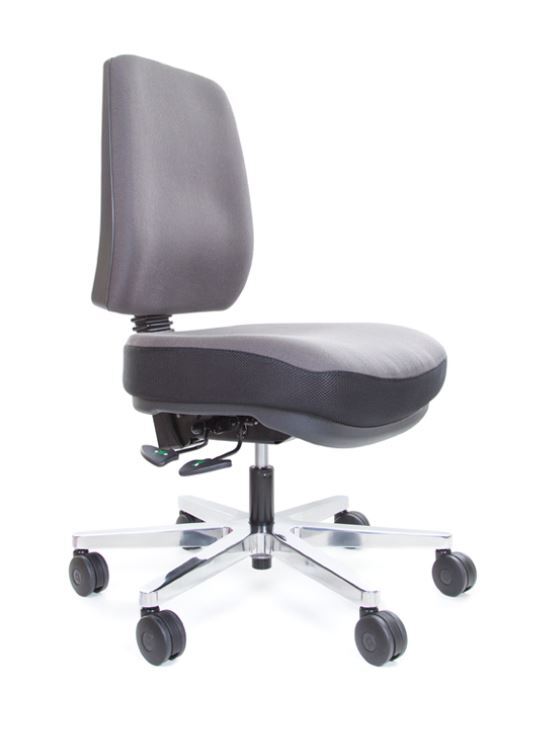
Need Help Finding the Right Chair?
Choosing the right chair is much easier when you can sit in it first and get expert advice tailored to your body shape. If you're local, drop into our Macquarie Park showroom at Unit 1, 1 Talavera Rd, North Ryde NSW, where our specialist team can help you test out our full range in person.
Ergonomic Essentials brings over 40 years of expertise to Australian workplaces as an approved NSW State Government supplier and trusted partner to Occupational Therapists nationwide.
We don't believe in guessing what chair you need or selling generic office furniture. We test every model in our range to ensure it genuinely supports your spine, and we offer free, honest advice, whether you visit us in our showroom or consult with us online, to help you find the right fit for your body shape and budget.
Need more information? Give us a call on 1300 798 658 or order online for fast dispatch daily from our Australian warehouses straight to your door.
References
- SafeWork NSW. (2024). Musculoskeletal Disorders Prevention Plan to 2026. NSW Government & State Insurance Regulatory Authority (SIRA). SafeWork NSW Resource Library
- Safe Work Australia. (2024). Key WHS Statistics Australia & Work-related Musculoskeletal Disorders Guidance. Commonwealth of Australia. Safe Work Australia Insights
- Nachemson, A. (1981). Disc pressure measurements. Spine, 6(1), 93-97. (Demonstrating up to 70% reduction in lumbar disc pressure during supported recline).